
More print runs stumble on the artwork file than on any press problem. A design that looks glorious on a laptop arrives at the factory as a low-resolution image saved from a website, fonts nobody owns, colours described as “the blue from our homepage”, and the sampling clock starts with a week of repair work that better files would have deleted entirely. Print-ready artwork is not bureaucracy; it is the difference between a factory printing your design and a factory interpreting it.
Artwork files from buyers in Germany, Canada and France are checked in Bangladesh before screens are made, so problems are fixed on screen rather than on garments.
This guide sets out what our screen printing team actually needs, the questions worth raising early through contact, and the file checks that make a quote accurate the first time.
What Print-Ready Artwork Means to a Factory
Print-ready means the factory can separate the design into one film per colour without redrawing, guessing or repairing: the artwork is at final print size, its colours are defined, its lines are thick enough to survive mesh, and its text is text no longer, converted to outlines so no font file stands between the design and the screen. Every element the design contains is present in the file, at the quality the garment deserves.
The test is simple: could a skilled separator who has never spoken to you produce films that print exactly what you imagine? If the answer needs a phone call, the file is not ready. Buyers sometimes hear artwork requests as factory fussiness; in truth the factory is describing the shortest path between the buyer’s imagination and the garment, measured in days and sample rounds.
Vector Files: AI, EPS, PDF and Why They Rule
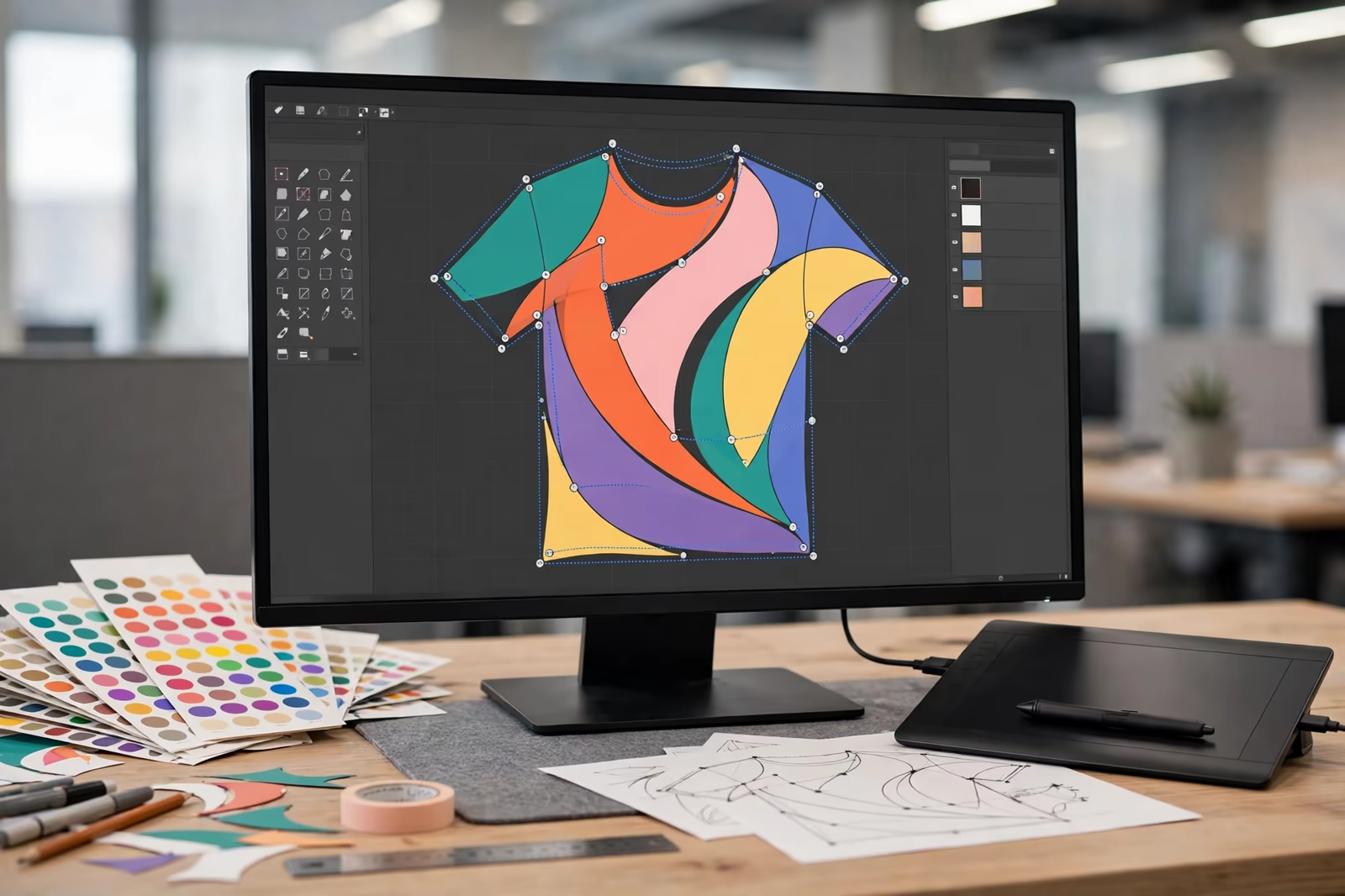
Vector artwork, built from mathematical paths rather than pixels, is the professional standard for logos, lettering and graphic designs. It scales from a chest mark to a full back print without losing an edge, separates cleanly into spot colours, and lets the print team adjust line weights and trapping precisely. The working formats are AI and EPS, with print-ready PDF accepted happily when it preserves vectors and embeds or outlines its fonts.
A vector file is not guaranteed by its extension. Designers sometimes place a raster image inside an AI file and save it, producing a vector container carrying a pixel prisoner; the factory opens it and finds the same low-resolution problem wearing a better coat. The honest check is to zoom: vector edges stay perfect at any magnification, raster edges dissolve into squares. One minute of zooming at the design stage saves a redraw at the production stage.
Raster Files, Resolution and Print Size
Photographic and tonal designs legitimately live as raster files, Photoshop work, halftone art and painterly illustration, and they print beautifully when supplied at true print size with adequate resolution. The working standard is 300 dots per inch at the size the design will print; a design intended at 30 centimetres wide needs its pixels counted at that width, not at the width it happened to have on a screen.
The common failure is the web image: a logo lifted from a website at 200 pixels wide, asked to become a back print. No software invents the missing detail honestly, and upscaling produces exactly the soft, stepped edges the customer will blame on printing. When only a low-resolution version exists, say so early; a redraw into vector by a designer is a known cost, while a blurry bulk run is an unknown and larger one.
Colour Setup: Spot Colours, Pantone and CMYK Traps
Screen printing prints spot colours: each colour in the design is a physical ink, mixed to a reference, usually a Pantone number. Artwork should therefore be built in spot colours where possible, with each colour named by its Pantone reference, so the separation is a reading of the file rather than a translation of it. One design colour accidentally built as four CMYK channels is the classic trap: the file shows one blue, the separation wants to print it in four inks.
CMYK and simulated process work are legitimate techniques for photographic designs, handled by skilled separators who rebuild the image into printable channels; they are a deliberate choice, not a file accident. Gradients deserve a note in the brief, because a gradient in a spot-colour design prints as halftone dots, and designs that assume buttery digital blends sometimes band on fabric. Naming colours properly costs the designer minutes and saves the program days.
Separations: What the Factory Does With Your File
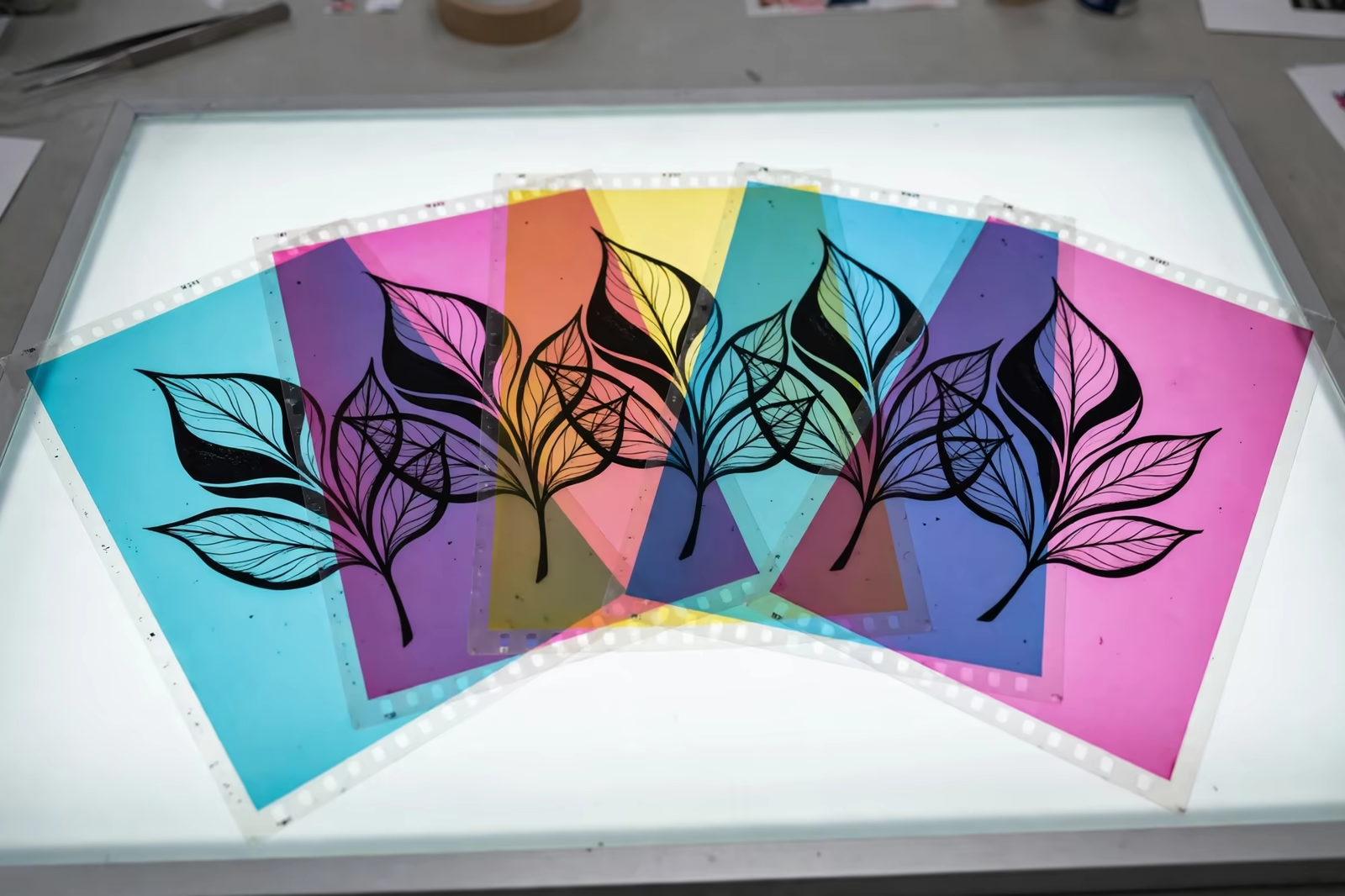
Separation is the craft of turning one design into one film per printed colour, and good files make it fast and exact. The separator assigns each element to its ink, builds the underbase for dark garments, adds trapping so colours meet without gaps, converts gradients into halftone dot patterns sized for the chosen mesh, and orders the colours for the press sequence. Every decision is invisible in the finished print and decisive for it.
Factories will separate imperfect files too, but the work migrates from craft to interpretation: which of the nine near-identical blues in the file is the real one, where the designer intended the gradient to end, what the missing font should look like. Each interpretation is a chance to be wrong at bulk scale. Buyers do not need to do separations; they need to supply files that leave nothing in them to interpretation.
Lines, Text and Detail: Minimums That Survive Mesh
Mesh is a physical filter, and artwork must respect its grain. As a working guide, positive lines should hold at least about 0.5 millimetres at print size, reversed-out lines closer to 0.75, and small text needs letter heights and stroke weights chosen for print rather than screen, because fine serifs and hairline rules are the first casualties of ink meeting fabric. Halftone dots need their own headroom, planned with the mesh count.
Designers working at 400 percent zoom forget the garment is viewed at arm’s length; detail that reads beautifully on screen can vanish or clog on cloth. The factory’s pre-production check will flag lines at risk, and the cheapest design revision in the entire program is the one made in response, thickening a rule or opening a gap before films exist. Artwork adapted honestly to print looks stronger on the garment than artwork that fought the mesh and lost quietly.
Fonts, Outlines and Licensing
Text in artwork must arrive converted to outlines, which freezes the letterforms into shapes any system can reproduce exactly. An un-outlined file depends on the receiving computer owning the same font; when it does not, the software substitutes silently and the brand’s lettering changes its face between approval and print. Outlining takes the designer ten seconds and removes an entire category of disaster.
Licensing rides along quietly: fonts and stock illustration carry usage terms, and the buyer, not the factory, owns the right to print the design. Programs have paused at the eleventh hour over artwork nobody had the rights to use; a line in the brief confirming the design is licensed for garment production is cheap insurance that professional buyers include as habit.
Mock-Ups and Approval Visuals: Useful, Within Limits
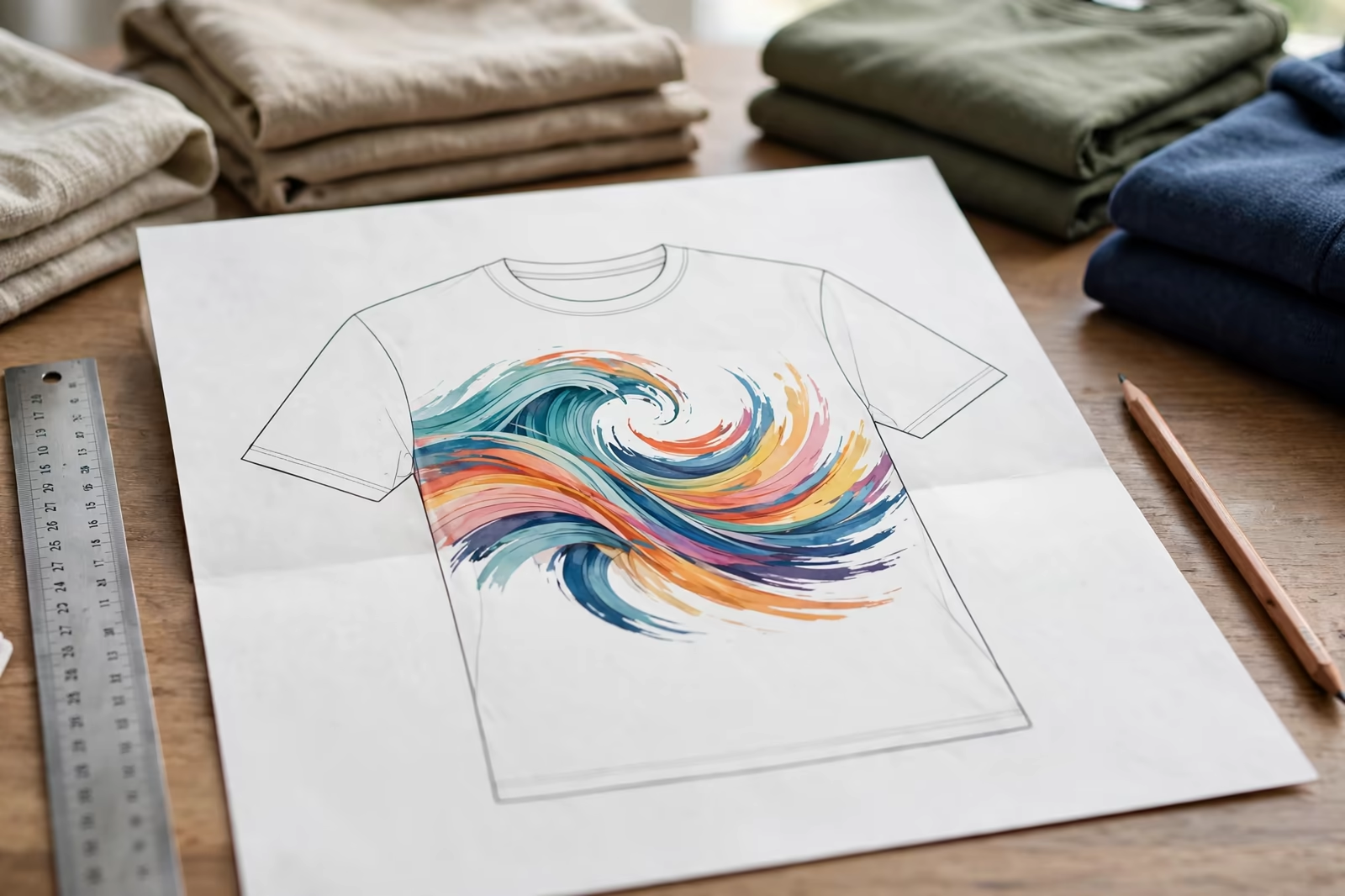
A mock-up, the design shown on a garment photograph or template, is a communication tool, not a production file. It shows intent: which design, roughly where, at roughly what scale, and it prevents the one misunderstanding no file can fix, the right artwork printed in the wrong place. Every order benefits from one, attached to the tech pack with the placement measurements written beside it.
Its limits are colour and scale. A screen shows colours in light; ink sits on fabric in pigment, so the mock-up can never be the colour approval, and its proportions are a sketch until the numbers govern. Programs that treat the physical strike-off as the approval and the mock-up as the map get both tools’ full value; programs that approve from the mock-up alone are navigating by a picture of the road.
Version Control: The Mistake That Prints the Old Design
Revised artwork is where good files go wrong socially rather than technically. A design travels through versions, the client approves version four, the factory’s inbox holds versions two, three and a file named final from a different week, and the run prints beautifully in the wrong revision. The fix is clerical and total: one master file per design, named with its version, one channel it travels through, and written confirmation of the version in the order itself.
Factories protect themselves by separating only from the version named in the confirmed order and querying any file that arrives by another route. Buyers protect themselves with the same discipline mirrored. Among all the artwork problems in this guide, this is the only one that produces a perfect print of the wrong design, and it is prevented by filenames and one confirming sentence, the cheapest technology in the printing trade.
Sending Artwork: A Practical Checklist
Send the design at final print size, vectors outlined and spot colours named to Pantone, raster elements at 300 dpi at size, with a placement note giving width and position per garment, and a visual mock-up for reference clearly marked as reference only. Name files by design and colourway so versions cannot marry the wrong screens, and send one package rather than a trail of revised attachments across a week of emails.
Quantities on the order follow our standard minimum of 1,200 pieces per style in up to two colours, with the design’s colour count confirmed from the file, not from memory. A factory that receives print-ready artwork quotes faster, samples sooner and prints what was imagined; in a trade where calendars are money, the file is the first production decision, and it is entirely in the buyer’s hands.
Frequently Asked Questions
What is the best file format for screen printing artwork?
Vector formats, AI or EPS, with print-ready PDF equally welcome when it preserves the vectors. Artwork should be at final print size, text converted to outlines, and colours set as spot colours named to Pantone references. Photographic designs can be supplied as high-resolution raster files at 300 dpi at print size.
Why can the factory not use the logo from our website?
Web images are small, typically a few hundred pixels wide, and printing one at garment size spreads those pixels into visible softness and stepped edges. No enhancement invents the missing detail honestly. The logo’s original vector source, from the brand’s designer, is the right file; a redraw is the fallback when no source survives.
What resolution do raster images need for printing?
The working standard is 300 dots per inch at the actual size the design will print. A back print 30 centimetres wide needs a file roughly 3,500 pixels across. Resolution quoted without size is meaningless; a huge image at low density and a small image at high density can carry the same pixels, and only size at 300 dpi settles it.
Should colours be set up as CMYK or spot colours?
Spot colours, named to Pantone references, are the standard for logos and graphic designs, because each colour is printed as one physical ink. CMYK artwork forces a translation that can multiply inks and shift results. Photographic designs are the exception, separated deliberately into process or simulated-process channels by a skilled separator.